
scenario
Can''t Hear Phone or Doorbell
Can''t Hear Phone or Doorbell is a common turning point for families. This page should help readers size up the situation quickly and move to the right next step.
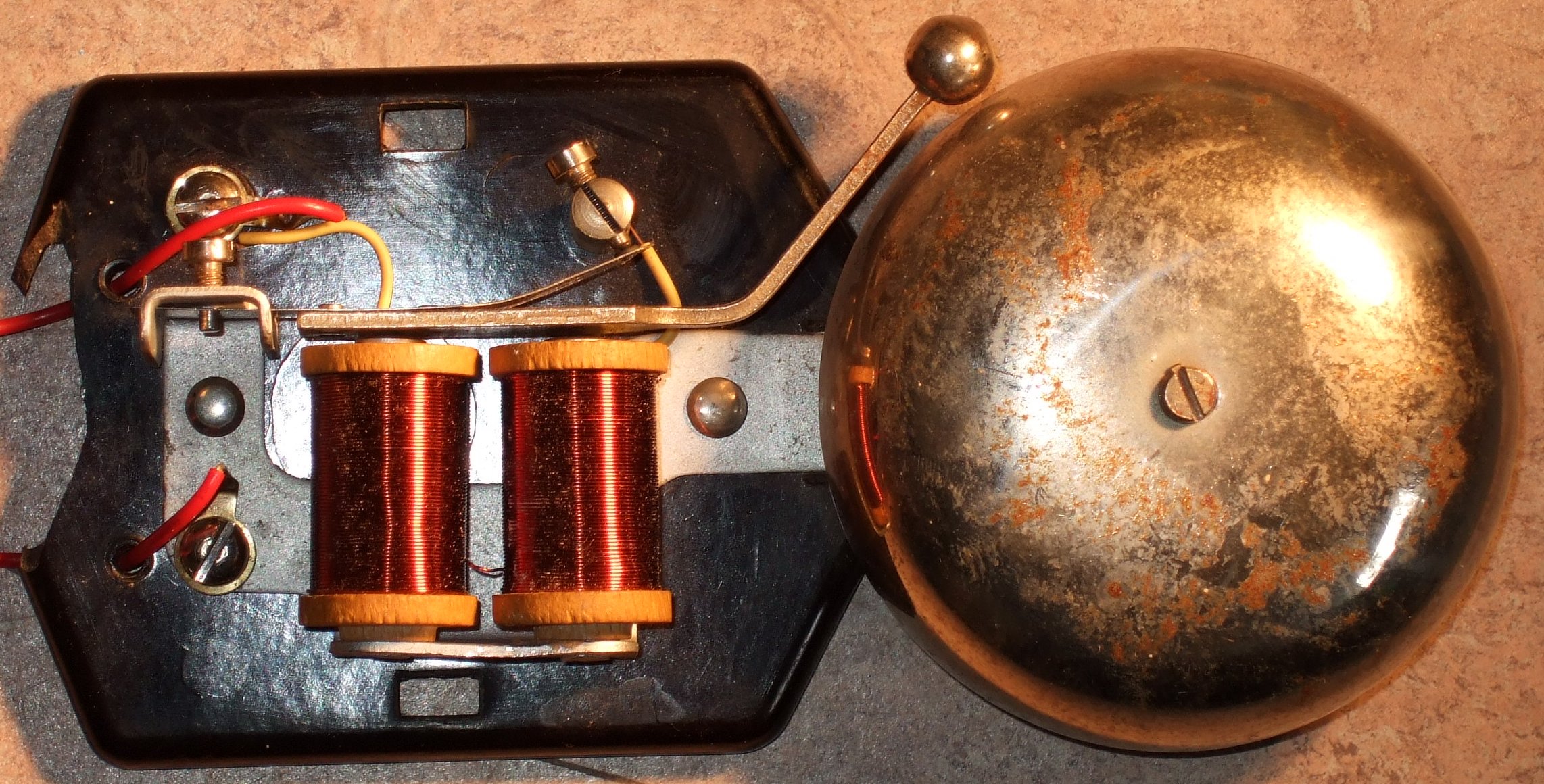
When an older parent misses the phone, does not hear visitors, or never notices the doorbell, the problem is bigger than inconvenience. Missed calls can mean missed medication reminders, delayed rides, unanswered wellness checks, and family worry that climbs fast. Missed doorbells can also affect meal deliveries, home health visits, repair appointments, and emergency access.
The right first step is usually not one big purchase. Start by figuring out which alerts matter most, where they fail, and what kind of signal your parent will actually notice. Then choose a simple setup that combines louder sound, visual cues, vibration, or caregiver backup without turning the home into a confusing control panel.
Why This Topic Matters
Phone and doorbell problems are often one of the first signs that hearing loss is changing daily independence. Your parent may still handle meals, laundry, and bills, but a missed call from the pharmacy or a missed knock from a neighbor can create a safety gap no one planned for.
The family may notice the pattern before the older adult does. A parent might say, "I was in the other room," or "They must not have rung it," because the missed alert feels embarrassing. That defensiveness is understandable. Hearing changes can feel like a loss of control, so the conversation goes better when the goal is framed as making the house easier to live in, not proving that someone is failing.
The practical goal is dependable notification. Your parent needs to know when someone is calling, when someone is at the door, and when an important alert requires action. The family needs a backup plan for moments when the first alert is missed.
Start With a Quick Alert Walkthrough
Walk through the home at the times when alerts are most often missed. Test the doorbell from the porch while your parent sits in the places they actually use: favorite chair, kitchen table, bedroom, bathroom, laundry area, garage, patio, and anywhere the television is usually on. Do the same with the phone.
Notice what gets in the way. Distance may be the problem if the doorbell is easy to hear near the entry but disappears in the bedroom. Competing noise may be the problem if the phone only gets missed while the television, dishwasher, fan, or hearing aid charger is in use. The sound itself may be wrong if the pitch is too high, too soft, or too similar to other household noises.
Also ask what your parent already notices reliably. Some people respond better to flashing lights. Others notice vibration from a wearable receiver, bed shaker, or phone. Some do best with a loud low-pitched chime in several rooms. Matching the signal to the person matters more than buying the most feature-heavy device.
Decide Which Missed Alert Is Riskiest
If everything feels urgent, sort the alerts by consequence. A missed casual call is annoying. A missed call from a doctor, pharmacy, caregiver, ride service, or security company can create real trouble. A missed doorbell is more serious if the parent receives delivered meals, depends on home health visits, cannot see the porch from inside, or lives in a building where visitors cannot easily call again.
For many families, the first priority is a reliable phone plan for time-sensitive calls. The second is a doorbell or entry alert that works from the rooms where the parent spends the most time. The third is a backup routine so family members know what to do when repeated calls go unanswered.
Do not assume the solution has to be expensive. Sometimes the biggest improvement comes from moving the main phone, adding a second handset, changing ringtone settings, turning on phone vibration, replacing a weak doorbell transformer, or adding a plug-in chime extender.
Phone Fixes to Try First
Start with settings and placement before buying new equipment. Increase ringtone volume, choose a lower-pitched ringtone if available, turn on vibration, and make sure important contacts have a distinct ringtone. If your parent uses a smartphone, enable visual flash alerts for incoming calls if the phone supports it.
Then look at where the phone lives. A cordless phone or mobile phone that stays in a purse, coat pocket, or back bedroom will not help much. Put a charging spot where your parent already spends time, and consider a second phone base or handset in the bedroom if nighttime calls matter.
If regular phones still fail, consider an amplified phone with large buttons, adjustable tone, and visual ring indicators. For mobile phones, a smartwatch, vibrating pager-style receiver, or wearable alert accessory can help when the phone is not nearby. Keep the setup simple: one primary phone, one backup charging spot, and one clear rule for where the device lives.
Family calling patterns matter too. If your parent misses calls often, agree on a call sequence: call once, wait a few minutes, call again, then text or call a neighbor only if the situation truly needs follow-up. That prevents every missed call from becoming an emergency while still giving the family a safety net.
Doorbell and Visitor Alert Options
Doorbell fixes depend on the home's wiring, layout, and how comfortable your parent is with devices. A plug-in wireless doorbell extender can place chimes in the bedroom, kitchen, or living room. Choose one with adjustable volume and tone, and test whether the sound is noticeable without being startling.
Visual doorbell alerts flash a lamp or receiver when someone presses the button. These can work well for people who miss sound but notice light. Place the visual cue where the parent naturally looks, not in a hallway they rarely use. If the alert only works when they are facing the right direction, it is not enough by itself.
Vibrating receivers can help people who nap, garden, watch television loudly, or spend time away from the main rooms. They work best when the parent is willing to wear or carry the receiver. If it will sit forgotten on a table, a louder chime or lamp signal may be more realistic.
Video doorbells are useful for some households, but they are not automatically the best first choice. They can add visibility, recorded motion, and remote caregiver notifications, but they also require Wi-Fi, app comfort, charging or wiring, and privacy decisions. If your parent only needs to know that someone is at the door, a simpler doorbell alert may be easier to maintain.
Common Mistakes and Tradeoffs
A common mistake is buying a device that works during setup but not during real life. Test the alert while the television is on, while water is running, from the bedroom with the door partly closed, and from any room where your parent removes hearing aids. A solution that only works in a quiet living room is not dependable.
Another mistake is adding too many alerts at once. A flashing lamp, loud chime, vibrating device, phone app, and caregiver notification can become overwhelming. Start with the minimum combination that solves the actual missed-alert pattern, then add only what is needed.
There are tradeoffs around privacy and control. A video doorbell that sends caregiver notifications may reassure the family, but your parent may feel watched. A loud chime may solve missed visitors but annoy a spouse or neighbor. A wearable receiver may work beautifully if it feels normal, or fail completely if it feels like a label. The best choice is the one the household will keep using.
When to Check Hearing and Health
Missed phones and doorbells can be a home-setup problem, but they can also point to hearing loss that deserves evaluation. Encourage a hearing check if your parent frequently asks people to repeat themselves, turns the television very loud, avoids calls, misunderstands conversation, or seems more isolated because listening is tiring.
Some hearing changes are treatable. Earwax buildup, medication effects, ear infections, and device problems can all make alerts harder to hear. If the change is sudden, one-sided, linked with dizziness, or accompanied by pain, get medical advice promptly rather than treating it as ordinary aging.
If your parent already uses hearing aids, make sure the devices are working, clean, charged, and programmed for the environments where alerts are being missed. An audiologist can often suggest alerting accessories that pair with hearing devices or recommend tones that are easier to detect.
A Practical One-Week Plan
- Test the current phone and doorbell from the rooms where alerts are missed.
- List the top three missed-alert risks, such as medical calls, meal deliveries, or home health visits.
- Fix simple settings first: ringtone, volume, vibration, visual flash, phone placement, and chime volume.
- Add one room-based alert if distance is the main issue.
- Add one visual or vibrating alert if sound alone is unreliable.
- Agree on a family call-back routine for unanswered calls.
- Review the setup after a week and remove anything your parent is not using.
Keep notes as you test. Write down where the alert was heard, where it failed, and what was happening in the room. These notes make it much easier to choose the next product or explain the pattern to a clinician.
How to Talk About the Change
Lead with convenience and control. "Let's make it easier to hear deliveries from the bedroom" usually lands better than "You never hear anything anymore." Tie the change to something your parent values: getting packages without stress, not missing grandchildren's calls, hearing the pharmacy, or feeling more confident when home alone.
Offer choices where they are real. Let your parent choose the chime tone, where the receiver sits, whether the light flashes in the living room or bedroom, and which family calls should trigger a backup plan. Small choices help the setup feel like a household improvement instead of supervision.
Avoid arguing about whether hearing loss is "bad enough." The question is simpler: are important alerts being missed? If yes, the home needs a more reliable signal.
Common Questions
What is the best first step?
Test the existing phone and doorbell from the places your parent actually spends time. This shows whether the problem is volume, pitch, distance, competing noise, device placement, or a broader hearing issue.
Should we buy an amplified phone or a doorbell alert first?
Choose based on consequence. If missed medical calls, caregiver calls, or pharmacy calls are the main risk, start with the phone. If missed visitors, deliveries, or home health visits are the issue, start with the doorbell or entry alert.
Are video doorbells worth it?
They can be, especially when remote family needs to know who came to the door. But they are not always the simplest answer. For some parents, a loud chime extender, flashing receiver, or vibrating alert solves the problem with less setup and fewer privacy concerns.
What if my parent refuses hearing aids?
Do not make the whole plan depend on hearing aids. You can still improve the home with louder low-pitched chimes, visual alerts, vibrating receivers, phone settings, and a clearer family call-back routine. A hearing evaluation may still be worth discussing, but the alert plan can move forward now.
How to Know the Plan Is Working
A good setup reduces missed alerts without adding daily fuss. Your parent notices expected calls more often, visitors are not left waiting, family members panic less when a call is missed, and the devices do not require constant reminders.
Review the plan after one week, then again after any major change: new hearing aids, illness, medication changes, a move to a different bedroom, new home care visits, or more time spent alone. Phone and doorbell needs can change quietly, and small adjustments are easier than restarting from scratch.
When More Backup Is Needed
If important calls are still missed after simple fixes, build a backup system. That might mean scheduled check-in times, a trusted neighbor who can knock, a caregiver who confirms appointments, or a medical alert system for urgent help. The backup should be clear enough that everyone knows when to use it.
More support may also be needed if missed alerts are part of a wider pattern: unpaid bills, missed medications, spoiled food, repeated confusion, unsafe cooking, falls, or getting locked out. In that case, the phone and doorbell are clues, not the whole problem. A clinician, audiologist, occupational therapist, or care manager can help sort out what level of support is appropriate.
What to Document
Keep a short record of what you tried: ringtone changes, device names, receiver locations, battery or charging routines, and whether alerts worked in key rooms. Also note the family backup plan for missed calls. This prevents repeated debates and helps professionals give better recommendations later.
The final plan does not have to be perfect. It just needs to make important alerts more noticeable, reduce family worry, and help your parent stay connected to the people and services they rely on.