
best
Best Medical Alert Systems
Families comparing Medical Alert Systems need a tighter shortlist, simpler criteria, and buying guidance rooted in real home use.
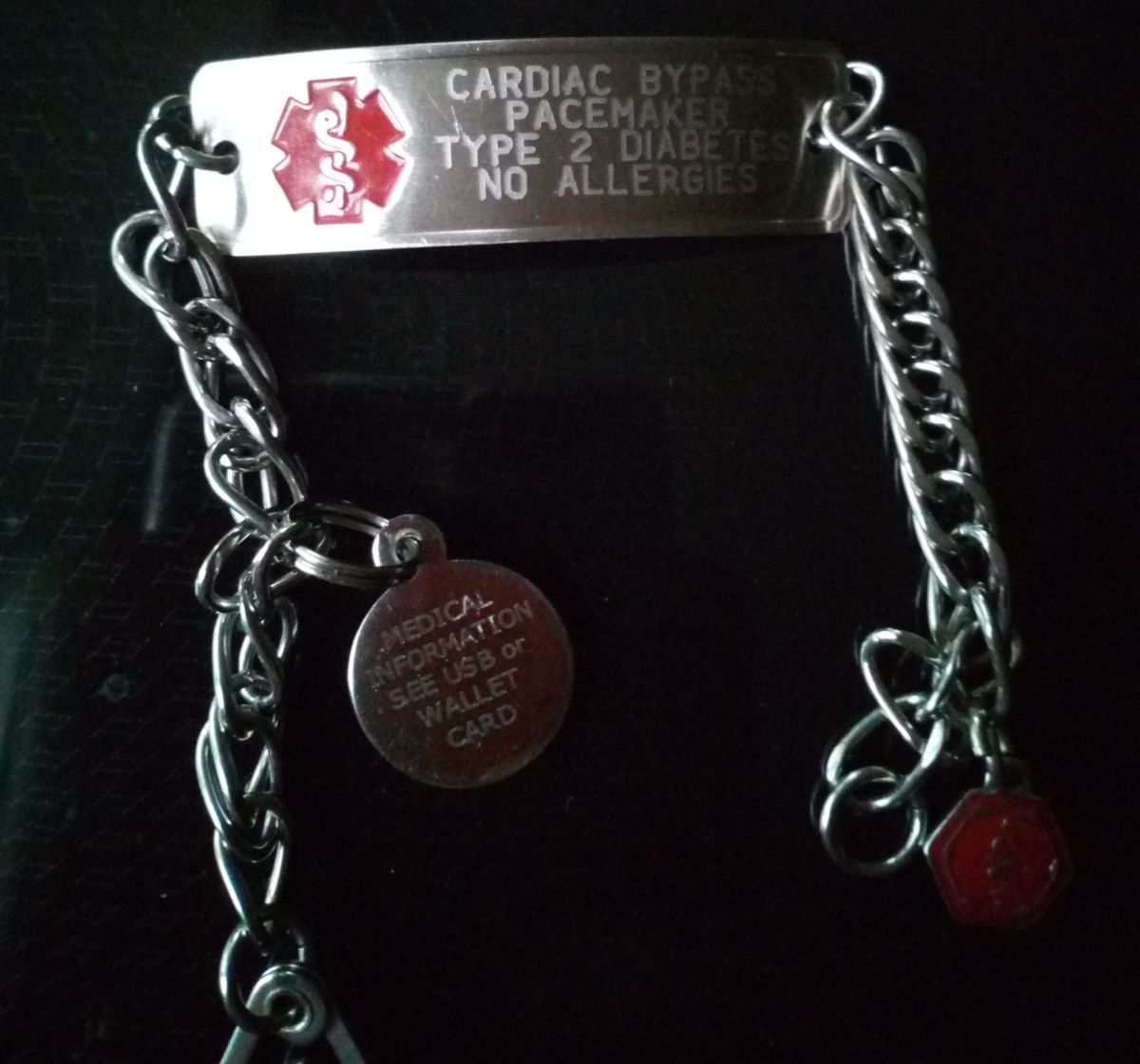
The best medical alert system for an older adult is the one they will actually wear, charge, and use at the moment something goes wrong. A low monthly price matters. So do response speed, cellular coverage, fall detection, caregiver alerts, and cancellation terms. But none of those features help if the pendant stays on the nightstand or the watch is too confusing to keep charged.
For most families, the right choice starts with one question: where does the person need help calling for help? Someone who rarely leaves home may only need a simple base station and waterproof button. Someone who walks outside, drives, shops alone, or gets confused away from home needs mobile coverage with GPS. A couple may need two buttons or two mobile devices. A parent with fall history may need automatic fall detection, but families should know that fall detection is an extra layer, not a guarantee.
Prices and plan details change often, so treat this guide as a buying framework rather than a permanent ranking. Before ordering, verify the current monthly fee, equipment cost, activation fee, fall detection add-on, trial window, and cancellation policy directly with the provider.
Quick Picks by Situation
For the best balance of options and caregiver features, start with Medical Guardian. Its lineup covers home systems, mobile pendants, wrist-worn devices, and app-connected features, so families can usually find a plan that matches both the older adult and the home layout. It is especially worth comparing when a caregiver wants location tools, several device styles, and a provider with a broad product range.
For straightforward pricing and customer service, compare Bay Alarm Medical early. Its SOS Home, SOS All-In-One, SOS Micro, and SOS Smartwatch plans give families a clean set of choices: home-only, mobile, small wearable, or watch-style protection. Bay Alarm is often a practical fit when the family wants no long-term contract, visible pricing, and a trial period before settling in.
For value, especially if the family wants home and mobile options without a large equipment purchase, MobileHelp belongs on the shortlist. Its Classic, Solo, Duo, and Mobile Duo plans are built around cellular coverage, GPS for mobile devices, two-way voice, and optional fall detection. It can be a strong choice for couples because some bundles cover two users more affordably than buying two separate subscriptions.
For a simple mobile-only device with a familiar retail path, Lively Mobile2 is worth comparing. It has a one-time device cost plus a service plan, optional fall detection, two-way communication, location support, and no long-term contract. It can fit an older adult who does not want a base station and needs help mostly while moving through the day.
For a watch-style device, compare Bay Alarm SOS Smartwatch, Medical Guardian wrist options, and specialty watches such as the Kanega Watch. A watch can feel less stigmatizing than a pendant, but it must be easy to charge, comfortable to wear, and simple enough that the person can press the help button under stress.
Best Overall Fit: Medical Guardian
Medical Guardian is a strong first comparison point because it covers so many use cases. Families can look at home systems for someone who spends most of the day inside, mobile systems for someone who leaves home, and smaller wearable options for people who resist bulky devices. That range matters when a parent is between stages: still independent, but no longer safe with only a phone across the room.
The main advantage is flexibility. If the older adult lives in a larger house, a home system with strong in-home range may be more useful than a small mobile pendant. If they walk outside or ride with friends, a GPS-enabled mobile device is more appropriate. If they dislike traditional pendants, a wrist-worn option may be more acceptable.
The tradeoff is that more choices can make the purchase feel harder. Families should compare the exact device, not just the brand. Ask whether two-way talk happens through the pendant, the base station, or the mobile device. Ask how long the battery lasts, whether fall detection costs extra, and what happens if cellular coverage is weak at the home address.
Medical Guardian is best for families that want a broad product lineup, caregiver-friendly features, and room to change devices later. It may be more than necessary for someone who only needs the simplest home button and lowest monthly cost.
Best for Transparent Pricing: Bay Alarm Medical
Bay Alarm Medical is a good fit for families who want to see the plan structure clearly before calling. The home plan is the simplest starting point, while the SOS All-In-One and SOS Micro serve people who need protection away from home. The smartwatch option is useful when an older adult dislikes necklaces or wants something that feels more like ordinary technology.
The main strength is practical simplicity. Bay Alarm Medical publishes plan tiers, device fees where they apply, fall detection add-ons, and bundle options in a way that helps families estimate first-year cost. That is important because medical alert systems can look inexpensive until activation charges, device purchases, fall detection, lockboxes, shipping, and protection plans are added.
Bay Alarm is also a strong comparison for caregivers who want GPS caregiver tracking on mobile devices. Location history and low-battery notifications can be helpful when a parent still goes out independently but sometimes forgets to report where they are.
The tradeoff is that some devices require a device purchase, especially mobile and watch-style systems. The home unit can also feel more traditional than newer wearables. That may not matter if the person wants simple, reliable coverage inside the house.
Choose Bay Alarm Medical when the family values clear terms, no long-term contract, easy product categories, and a provider that offers home, mobile, and watch options without forcing a complicated bundle.
Best Value: MobileHelp
MobileHelp is often the value comparison because its home and mobile plans are competitively priced and its equipment is commonly included while service is active. The Classic plan is the basic home option, Solo is for one mobile user, Duo combines home and mobile coverage, and Mobile Duo can be useful when two people need mobile protection.
This makes MobileHelp especially relevant for couples, roommates, or siblings trying to protect two older adults in one household. Buying one plan that covers two devices may be easier than managing separate accounts, separate billing, and separate emergency profiles.
The features are the ones most families expect: a help button, two-way communication, U.S.-based monitoring, cellular connection, GPS for mobile systems, waterproof wearable buttons, and optional automatic fall detection on eligible plans. The mobile systems are most useful when the person reliably keeps the device charged and wears it outside the home.
The tradeoff is that families need to check the current plan details carefully. Some published prices vary by billing frequency, promotions, device type, and whether a plan is bought monthly, quarterly, semiannually, or annually. Fall detection is also usually an add-on, so the lowest advertised monthly cost may not be the real cost for someone with fall risk.
Choose MobileHelp when budget matters, the family wants no large equipment purchase, or two people need coverage. Pause if the older adult is unlikely to charge a mobile unit daily or if cellular coverage at the address is uncertain.
Best Simple Mobile Device: Lively Mobile2
Lively Mobile2 is different from many traditional systems because it is a small mobile device bought upfront and paired with a Lively service plan. It has one-button access to emergency response, two-way communication through the device, enhanced GPS location support, optional fall detection, and a water-resistant design. It does not require a home base station.
That simplicity can be appealing for an older adult who spends time outside the home and does not want multiple pieces of equipment. A caregiver can focus on one routine: wear it, keep it charged, and know what happens when the button is pressed.
The monthly service tiers are also relatively easy to understand. Families should still add the one-time device cost, activation fee if applicable, taxes, surcharges, and fall detection add-on before comparing it with providers that lease equipment as part of the subscription.
The tradeoff is that a mobile-only device depends heavily on charging habits and cellular coverage. If the parent forgets to place the device in its charging cradle, leaves it in a purse, or removes the lanyard needed for fall detection, the system may not protect them during the riskiest moments.
Choose Lively Mobile2 when the older adult wants one portable device, is willing to charge it, and needs help both at home and away without installing a base station.
Best Home-Only Systems
A home-only medical alert system fits someone who spends nearly all day at home, has a landline or reliable cellular coverage, and mainly needs a way to call for help after a fall, dizziness episode, medication reaction, or sudden weakness.
The key pieces are a base station, a wearable button, a backup battery, a monitoring center, and enough range to cover the places where the person actually moves. Do not judge range from the kitchen alone. Test the bedroom, bathroom, porch, garage, mailbox path, basement, and favorite chair.
A home-only system is usually cheaper than a mobile system. It is also easier to manage because the wearable button may not need daily charging. The downside is obvious: it does not protect someone at the grocery store, walking around the block, at church, in a parking lot, or riding with a friend.
Choose home-only protection when the person rarely leaves alone and the family wants the simplest dependable setup. Move to mobile coverage if the older adult goes out independently even a few times a week.
Best Mobile and GPS Systems
Mobile medical alert systems are for people who leave home without a caregiver. These devices use cellular service and GPS or other location technologies so the response center can help identify where the person is. That matters after a fall outside, a car problem, a confusing walk, or sudden symptoms away from the base station.
The main comparison points are battery life, charging routine, speaker quality, location accuracy, cellular network, caregiver app, and whether fall detection works on that specific mobile device. Some systems include a separate in-home button for use while the mobile unit charges. That can be valuable because many emergencies happen during ordinary home routines.
Before buying, check coverage at the actual address and common locations. A device that works well in one neighborhood may struggle in a rural house, basement apartment, or area with weak cellular signal. If possible, test during the trial period from the rooms and outdoor paths where the person spends time.
Choose mobile coverage when the older adult is still active, drives, walks alone, shops alone, or is at risk of being unable to explain their location during an emergency.
Best Watch-Style Medical Alerts
Watch-style medical alerts solve a real acceptance problem. Some older adults will not wear a pendant because it feels medical, visible, or embarrassing. A watch can look more familiar and may be easier to keep on all day.
A good medical alert watch should have a physical help button, clear two-way communication, reliable charging, water resistance appropriate for daily use, and simple status indicators. GPS and fall detection may be available, but families should verify whether fall detection is included or optional.
The biggest risk is battery behavior. A pendant with a long battery life can be worn continuously. A watch usually needs a daily or near-daily charging routine. If the older adult already forgets to charge a phone, a watch may create a new failure point.
Also watch for screen complexity. A medical alert watch is not automatically easier than a pendant. Tiny icons, menus, swipes, or accidental taps can confuse someone with low vision, tremor, neuropathy, or memory changes.
Choose a watch when dignity and wearability are the main barriers. Choose a pendant or home button when reliability, battery simplicity, and low cognitive load matter more.
Fall Detection: Useful, But Not Perfect
Automatic fall detection is worth considering for anyone with a fall history, fainting episodes, balance problems, Parkinsonism, neuropathy, dizziness, or a pattern of getting stuck after a fall. It is especially important if the person lives alone or spends long periods without check-ins.
But fall detection does not detect every fall. It can miss slow slides, soft collapses, falls from sitting, or falls where the sensor movement does not match the algorithm. It can also create false alarms. Families should treat it as backup, not as permission to skip the help button.
Ask three specific questions before paying for fall detection: which device detects falls, how the person must wear it, and what happens after a fall is detected. Some systems require a particular pendant or lanyard position. Others only support fall detection on mobile devices, not on every wearable button.
If fall detection is included, useful, and affordable, it can be a smart add-on. If the person refuses the required pendant or keeps taking it off, the feature is not doing the job.
What to Compare Before You Buy
Start with total first-year cost. Add the monthly plan, fall detection, equipment purchase or lease fee, activation fee, shipping, lockbox, extra buttons, warranty or protection plan, and taxes or surcharges. A plan that looks cheaper monthly may cost more over twelve months.
Then compare contract terms. Look for month-to-month service, cancellation rules, return windows, equipment return requirements, and whether prepaid months are refundable. Avoid any plan you do not understand in writing.
Next, compare emergency profiles. The monitoring center should know the older adult's address, medical conditions, medications if relevant, preferred hospital if allowed, emergency contacts, lockbox code, pets in the home, and whether responders should call family before or after dispatch.
Finally, compare real-life usability. Can the person press the button with arthritic fingers? Hear the operator? Speak into the device from the floor? Wear it in the shower? Understand charging lights? Remember to put it on after dressing?
The best medical alert systems for seniors are usually boring in the best way: easy to wear, easy to test, and easy to explain.
Questions to Ask Before Ordering
- What is the full monthly cost with fall detection included?
- Is there an equipment fee, activation fee, shipping fee, or required protection plan?
- Is service month to month, or is there a minimum commitment?
- How long is the trial period, and what must be returned?
- Which cellular network does the device use, and how can we test coverage?
- Does two-way talk happen through the wearable, the base station, or both?
- How long does the battery last during normal use and during a power outage?
- Is the button waterproof or only water-resistant?
- Can we add a spouse, roommate, extra button, lockbox, or caregiver app?
- What happens if the person presses the button by accident?
- How often should we test the system?
Write the answers down. Families often compare four brands and forget which fee belonged to which plan.
How to Test During the Trial Window
Use the trial period like a safety drill. Press the button from the bedroom, bathroom, favorite chair, porch, garage, and yard. For mobile devices, test from the mailbox, car, grocery parking lot, and walking route if those places are part of normal life.
Ask the older adult to do the test, not only the caregiver. They need to feel the button, hear the operator, understand what to say, and learn that accidental presses can be handled calmly. The goal is confidence, not fear.
Check the charging routine on day three, not day thirty. If the device is already dead, misplaced, or left in a purse, choose a simpler setup before the return window closes.
Also test the caregiver side. Confirm that emergency contacts receive notifications correctly, location sharing works as expected, the lockbox code is accurate, and the response center has the right address and access notes.
When a Phone or Smartwatch Is Enough
Some older adults can use a smartphone or consumer smartwatch for emergency calling, fall detection, and location sharing. That may be enough for a tech-comfortable person who keeps the device charged, wears it consistently, has strong cellular coverage, and can manage settings.
The advantage is familiarity. A person who already wears an Apple Watch or carries a phone may prefer using tools they know. The cost may also be lower if the family already pays for cellular service.
The downside is that consumer devices are not always monitored by a professional response center in the same way. They may depend on the user's setup, emergency contacts, battery, software settings, and ability to respond to prompts. They can be excellent tools, but families should not assume they behave like a dedicated medical alert service.
Use a phone or smartwatch when the person is capable and consistent. Use a dedicated medical alert system when the family needs simpler operation, professional monitoring, caregiver workflows, or a button designed for emergencies.
When More Help Is Needed
A medical alert system helps someone call for help. It does not prevent every fall, diagnose sudden weakness, fix medication side effects, or replace supervision when judgment is impaired.
Bring in medical guidance if falls are increasing, dizziness is new, walking has changed, confusion is worsening, medications recently changed, or the person cannot remember to wear the device. An occupational therapist or physical therapist can help match the alert system with bathroom changes, lighting, mobility aids, transfer practice, and home layout.
If the older adult repeatedly removes the device, cannot understand what it is for, or would not know what to do when an operator answers, the family may need check-ins, in-home care, memory support, or a different living arrangement in addition to any alert device.
Bottom Line
For many families, the best medical alert system is not one universal brand. It is the system that matches the person's actual risk. Medical Guardian is a strong broad-lineup comparison. Bay Alarm Medical is a strong transparent-pricing and customer-service comparison. MobileHelp is a strong value and multi-user comparison. Lively Mobile2 is a strong simple mobile-device comparison. Watch-style systems are worth considering when a pendant will not be worn.
Buy after you know the routine: home-only or mobile, pendant or watch, fall detection or button-only, one user or two, simple alerts or caregiver tracking. Then test the system in the places where help would actually be needed.
A good medical alert setup should make the home feel calmer within the first week. The older adult knows how to call for help, the caregiver knows what will happen, and the family has one less emergency plan living only in someone's memory.