
best
Best TV Listening Devices
Families comparing TV Listening Devices need a tighter shortlist, simpler criteria, and buying guidance rooted in real home use.
The best TV listening devices for seniors depend on how your parent watches television: alone, beside a partner, with hearing aids, or while moving around the room. Start with the listening arrangement and the television's audio outputs. A device with impressive sound features can still fail if it mutes the speakers everyone else needs or feels uncomfortable after twenty minutes.
Our starting shortlist is the **Sennheiser RS 195-U** for adjustable over-ear listening, **TV Ears 5.0 Digital** for an under-chin headset, **SEREONIC TV-SoundBox Max** for sound beside a favorite chair, and **Phonak TV Connector** for people with compatible hearing aids. Each addresses a different household need.
This is a comparison of manufacturer specifications, not a hands-on test or a clinical assessment. Product information and listed prices were checked on October 7, 2026. Prices exclude any applicable tax, delivery, and extra accessories; availability can change. The recommendations below are editorial judgments about fit, rather than evidence that one device produces better hearing outcomes than another.
Choose the listening arrangement first
Ask your parent what happens during a difficult program. Are voices too quiet, words unclear despite adequate volume, or background music overwhelming? Does a partner want a quieter room? Does your parent remove hearing aids to use headphones? Write down the answer before comparing products.
A useful goal is specific: “Follow the evening news while your partner keeps the TV at their usual volume.” Another is “Watch a film without pressure from headphones on glasses.” These goals give you something observable to check during a return window.
For someone who likes private listening and tolerates earcups, a dedicated headphone system is a sensible starting category. For someone who dislikes anything on their ears, try a chair-side speaker. For a hearing-aid wearer, investigate the accessory supported by the exact hearing-aid model before buying another wearable device.
Assistive listening technology can send sound through infrared, radio, or a hearing loop. A loop requires a suitable receiver, such as a telecoil-equipped hearing aid. These systems have different connection requirements, so a generic “wireless” label does not establish compatibility. The NIDCD overview of assistive listening devices explains the main categories.
A practical shortlist
| Device | Starting use case | Main limitation | Price information checked | | --- | --- | --- | --- | | Sennheiser RS 195-U | Over-ear headphones with adjustable hearing profiles | Fit and pressure need a home trial; two-listener use limits personalization | Canadian store listed CAD $599.95; check your local price | | TV Ears 5.0 Digital | Under-chin listening with physical sound controls | Infrared needs a clear path to the transmitter | US store listed USD $179.95 | | SEREONIC TV-SoundBox Max | A portable speaker beside the listener | Sound remains audible in the room | US store listed USD $139.95; marked sold out | | Phonak TV Connector | Streaming to compatible Phonak hearing aids | Exact hearing-aid compatibility must be confirmed | Request a local provider quote |
The prices come from the Sennheiser Canadian product page, TV Ears Digital listing, and Serene Innovations Max listing. Canadian and US prices are different currencies, not directly comparable budget tiers. The TV Ears page also displayed a sold-out label alongside an add-to-cart control, so confirm fulfillment before ordering.
These four products form a starting shortlist rather than an exhaustive ranking. A comfortable existing headset, captions, or a supported hearing-aid accessory may meet the goal without buying the most expensive option.
Sennheiser RS 195-U: for adjustable over-ear listening
The RS 195-U offers seven hearing profiles, left/right balance adjustment, and speech and music modes. Its transmitter accepts optical digital or analog 3.5 mm audio. Sennheiser specifies up to eighteen hours of operating time. The optical input requires PCM or stereo rather than surround-sound formats. See the manufacturer's specifications and connection guidance.
Our reason to shortlist it is the ability to compare sound settings while keeping an over-ear format. It is a candidate for a listener who wants more adjustment than a basic volume control and is comfortable wearing substantial headphones.
During the trial, ask your parent to compare a few settings on the same recorded dialogue. Keep the volume comfortable and change one control at a time. Have them describe whether words become easier to follow, rather than asking whether a setting sounds more powerful. Record their preferred setting so another family member can restore it.
Check pressure around glasses and the headband after a normal viewing session. Also watch whether your parent can remove the headphones promptly when someone speaks. A comfortable first minute does not establish comfort through an entire film.
For two headphone users, read the limitations carefully. Sennheiser says a second compatible pair can connect, but its personal hearing function is unavailable during simultaneous two-pair listening. A household buying specifically for individualized adjustments should resolve that tradeoff before paying for an additional receiver. The same manufacturer FAQ describes this restriction.
TV Ears 5.0 Digital: for an under-chin headset
TV Ears 5.0 Digital uses an under-chin headset with volume and tone dials. The manufacturer lists infrared mono transmission and optical, 3.5 mm, and RCA audio connections. Its stated listening time is up to four hours for the 5.0 headset. These details are published on the Digital System product page.
This is a starting option for someone who dislikes a headband but accepts ear tips. The shape should be evaluated while sitting in the actual chair: check whether the receiver touches clothing, catches when turning, or becomes distracting during conversation. Ear-tip comfort is personal, so let the wearer decide.
The important installation issue is transmitter visibility. TV Ears' support guidance says its Original and Digital infrared systems require line of sight. Put the transmitter where the headset can receive its signal, rather than hiding it behind a cabinet door. Test the reclined position as well as upright sitting.
A listener who regularly walks into another room during a program should compare other transmission approaches. Turning away or blocking an infrared path is a different problem from insufficient volume; increasing loudness will not repair that connection.
Plan charging around the person's usual viewing session. If they watch several programs consecutively, confirm that the specified runtime is sufficient before purchase. A second headset adds cost and handling steps. Compare the exact 5.0 Digital bundle rather than borrowing specifications from TV Ears' Bluetooth or Long Range models, which are separate systems.
SEREONIC TV-SoundBox Max: for listening beside a chair
The TV-SoundBox Max is a portable speaker with a tone control and a headphone jack. Serene Innovations specifies optical, RCA, and 3.5 mm inputs, support for PCM and Dolby Digital, 2.4 GHz radio transmission, and about ten hours of listening per charge. The official Max product listing showed USD $139.95 and a sold-out status when checked.
Our reason to consider this category is freedom from wearing a headset. For a parent who repeatedly takes headphones off, testing a nearby speaker may be more useful than trying another earcup design. Place it on a stable side table where the control is reachable without leaning across a walking route.
The key tradeoff is shared sound. Bringing a speaker closer may allow a lower television setting, but it does not create private listening. Ask the other person in the room whether the new arrangement is comfortable, especially if both the main TV speakers and the portable speaker remain audible.
As a practical home test, start with the room quiet and position the speaker near the usual chair. Then try the arrangement with ordinary household activity. If both listeners hear an echo, investigate which outputs are active and their timing before increasing volume.
Check the exact product name when shopping elsewhere. The Max, Pro, and older SoundBox versions may have different features. Given the manufacturer's stock status, confirm the seller's model number, delivery estimate, and return process instead of assuming a similarly named listing supplies the same device.
Phonak TV Connector: for compatible hearing-aid wearers
Phonak TV Connector sends television audio directly to compatible hearing aids. Phonak describes independent volume and environmental balance control on its TV Connector overview. Its connection guidance specifies optical or 3.5 mm audio connections and states that HDMI cables are not compatible.
This is worth investigating first if your parent already uses supported Phonak hearing aids comfortably. It avoids adding an earcup or ear tip over the existing hearing devices. That is a practical advantage to evaluate, not a promise of improved speech understanding for every wearer.
Ask the hearing-care provider to confirm the exact model, explain how streaming starts and stops, and demonstrate how to balance television sound with room sound. Have your parent perform these steps during the demonstration. A caregiver successfully connecting the equipment does not establish that the wearer can manage the routine independently.
Request a written quote that identifies the accessory version, included cables, setup support, and return terms. We did not verify a public manufacturer retail price, so there is no price estimate in this guide. Confirm whether an existing accessory already provides the same function before ordering.
Do not assume every Bluetooth hearing aid can use this connector. Likewise, another hearing-aid brand may have its own supported TV accessory. If a parent uses a cochlear implant, ask their implant team about the supported receiver rather than transferring a hearing-aid recommendation to that system.
Check the television before ordering
Photograph the television's model label and its connection panel. Include the soundbar and cable box if either is part of the setup. Sending these details to product support can prevent an expensive adapter experiment.
Identify outputs, not just matching sockets. An RCA socket marked as an input cannot feed a transmitter. A USB port may supply power without supplying usable television audio. An HDMI connector also does not mean a transmitter accepts HDMI sound.
For optical systems, check the required audio format. The RS 195 needs PCM or stereo, and TV Ears describes PCM setup for its Digital system. The SoundBox Max lists Dolby Digital as well as PCM support. Follow the exact device instructions rather than treating all optical systems as identical. Manufacturer guidance is linked in the product sections above.
Next, ask whether the TV supports simultaneous output to its speakers and the chosen connection. Some televisions mute their internal speakers when a headphone plug is inserted; Sennheiser describes this behavior in its connection FAQ. If a partner needs the speakers, check the television manual and test that arrangement during the return period.
A cable-box connection introduces another practical question: will it carry sound from streaming apps built into the television? Test each source the household uses. Hearing a cable channel successfully does not establish that an app inside the TV sends audio through the same route.
If the soundbar occupies the optical output, ask support for a supported wiring arrangement. Avoid ordering a collection of splitters and converters before identifying the signal path. Write down which source feeds which device and which outputs must stay active.
Compare cost, comfort, and daily handling
The useful budget is the cost of a working routine. Add any required adapter, extra receiver, ear-tip replacements, setup help, and return postage to the advertised price. Ask whether the package contains the transmitter and power supply; an accessory-only listing may look inexpensive while leaving essential parts missing.
Read the return conditions for opened headsets and personal-use accessories. Ask when the return period starts, whether there are restocking charges, and who pays shipping. A trial needs enough time for your parent to use the device with several familiar programs, not just a quick demonstration on arrival.
Examine the controls from the user's perspective. Can they distinguish volume from tone by touch? Can they dock the headset without bending behind the television? Can they identify a charging indicator? These observations are often more decisive than a long feature list.
Choose a permanent charging location. If the base has to sit by the TV for transmission but your parent cannot reach it comfortably, consider how charging will work each evening. Keep cables along furniture edges and away from the route between the chair and the doorway.
Also decide who will handle occasional setup problems. Leave the model number, support contact, and a short instruction card beside the equipment. Write instructions around the actual routine, such as “Place the headset here after the news,” instead of copying every optional feature from the manual.
A home trial that answers the buying question
Use a recorded scene so you can repeat the same dialogue. Pick something your parent actually watches: a newsreader, a drama with background music, and a program with several speakers. Include captions if they normally use them.
1. Ask your parent to describe the problem with the current setup. 2. Connect the device and verify sound from every usual source. 3. Start at a low, comfortable volume and compare one sound adjustment at a time. 4. Watch for a normal session, checking comfort and ease of operation. 5. Repeat with a partner present and the household's usual speaker arrangement. 6. Ask your parent to start, stop, adjust, and charge the device without coaching. 7. Decide before the return deadline whether the original goal was met.
Keep brief notes: which words were missed, whether the wearer removed the headset, and whether a partner found the room volume acceptable. “Used it independently for the whole evening news” is more informative than “seemed better.” Avoid turning the trial into a test the parent can fail; you are evaluating the equipment.
Compare setups at comfortable levels rather than forcing an identical numerical volume setting. Numbers on two different controls do not represent the same sound level. If extra loudness adds discomfort without clearer words, stop escalating and revisit the sound settings, captions, or hearing-care advice.
For a parent who becomes frustrated by unfamiliar technology, introduce one routine at a time. First practice turning the system on and returning it to charge. Add optional sound modes later, if the parent wants them. Let them retain the TV remote they already know whenever possible.
Troubleshoot the symptom you actually see
**No sound:** confirm transmitter power, receiver charge, the selected audio input, and the TV output setting. Check the required PCM setting for equipment that needs it. Try a familiar channel, then an internal streaming app, to identify whether the problem follows one source.
**Sound cuts out:** for infrared, check the path from transmitter to headset and test the reclined position. For radio systems, test nearer the base and follow the manufacturer's placement advice. A repeating dropout should be investigated as a connection problem before changing tone or volume.
**Echo or lips out of sync:** check whether two sound paths are audible and review the television's delay controls. Sennheiser's RS 195 troubleshooting FAQ discusses echo when TV speakers and headphones operate together. Change one setting, replay the same scene, and keep a note so you can restore the previous arrangement.
**The device works only when a caregiver visits:** observe the failed step. It may be docking, selecting an input, or remembering which control starts listening. Relabel the relevant control or simplify the sequence. If the daily routine remains difficult, use the return option while it is available.
Captions and hearing support still matter
Try the TV's caption settings before assuming another device is necessary. Adjust text size and background contrast where available, then check both live channels and streaming apps. Captions can remain useful alongside headphones or a streamer; choosing sound assistance does not require abandoning them.
A small published study of older adults with hearing loss found benefits from closed captions for understanding televised speech. It does not establish a modern product ranking or predict an individual's result. See the television viewing study for the study design and findings.
If difficulty understanding speech also affects conversations, appointments, or telephone calls, consider a hearing evaluation rather than making television louder indefinitely. The NIDCD hearing-aid guidance explains evaluation and the role of hearing professionals. A TV accessory addresses a viewing task; it does not establish the cause or extent of a person's hearing difficulty.
For the buying decision, choose one category, verify the connections, and arrange a realistic trial. Keep the device only if your parent can use it comfortably and the household's actual listening goal improves. That outcome matters more than maximum advertised volume or the number of modes on the box.
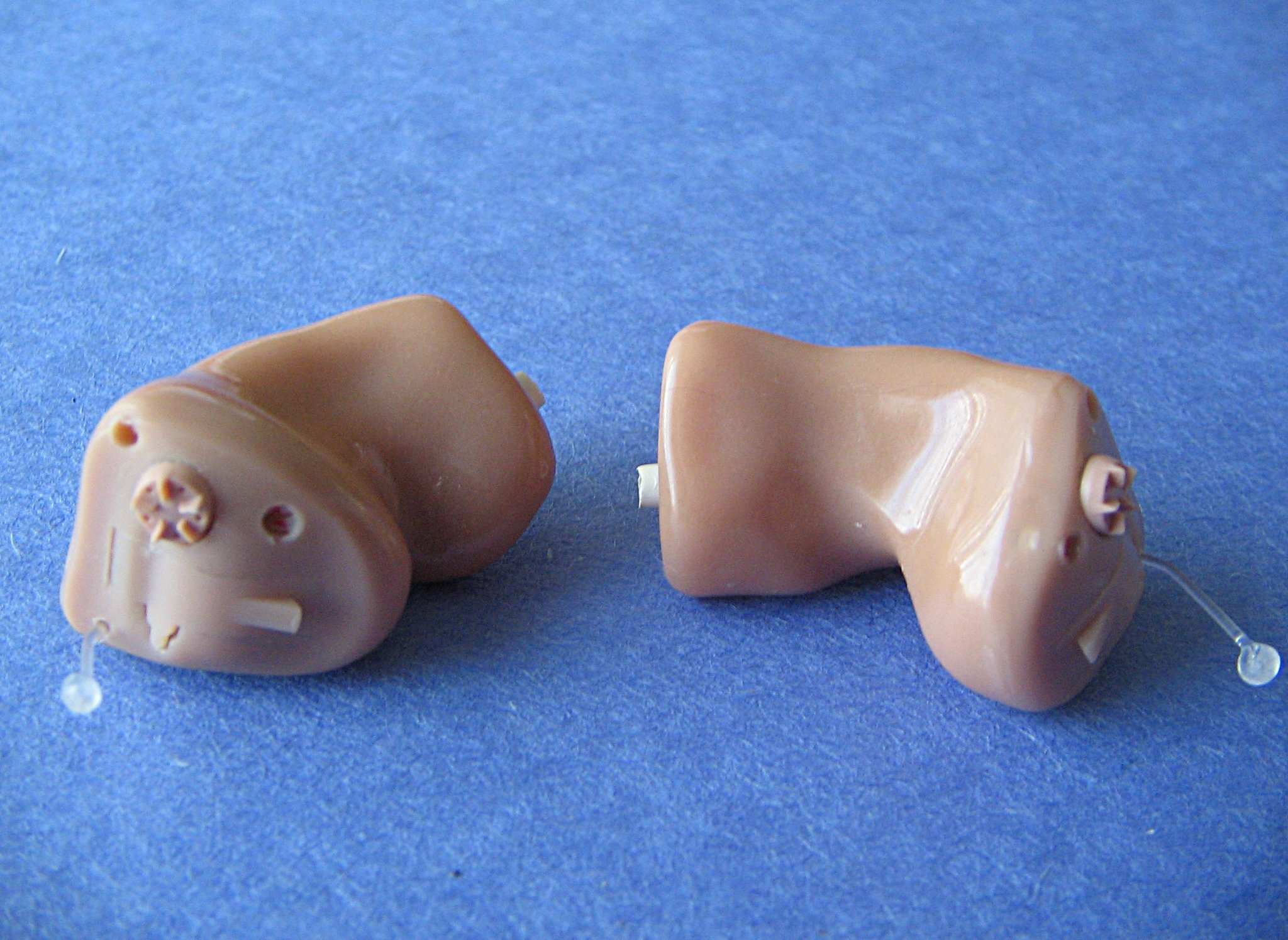
Featured image: Hearing aids / Bionic Ears by Kurt Nordstrom, licensed under CC BY 2.0. Original image downloaded without modification; it illustrates hearing support rather than a shortlisted TV product.